
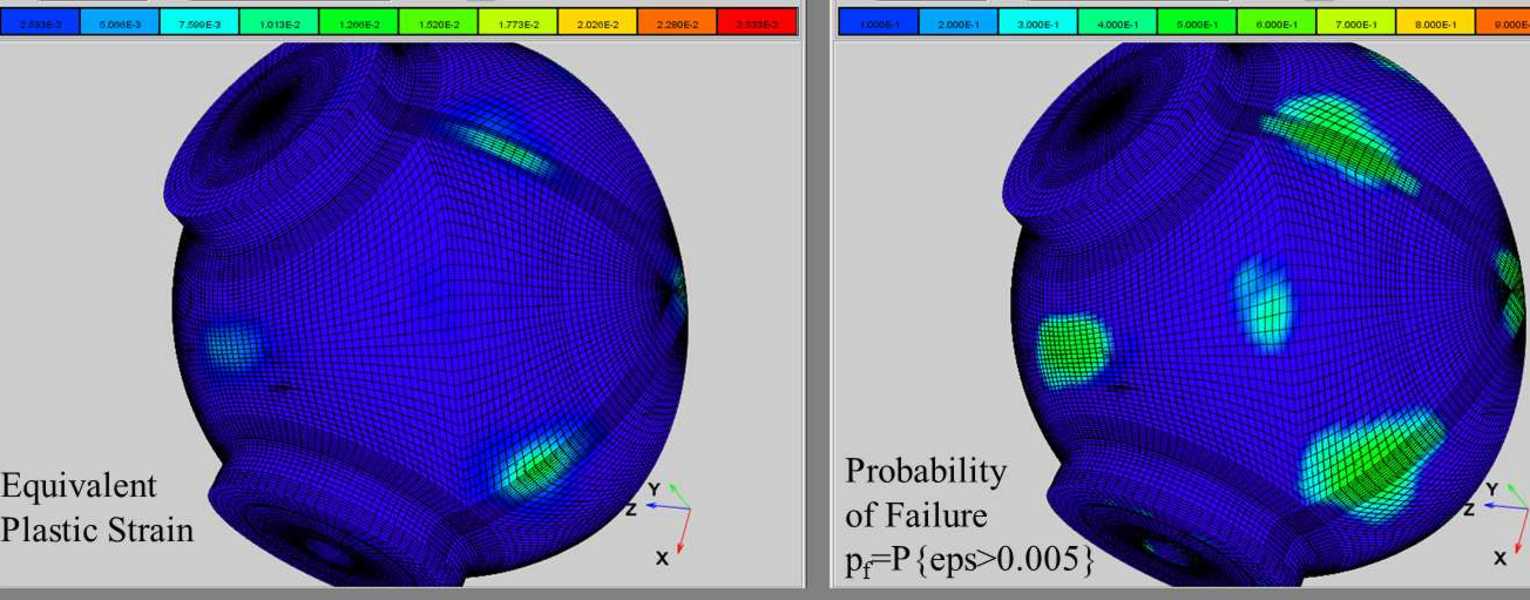
NESSUS allows you to treat parameters of your existing model as random variables to quantify the reliability of your design.
1 Powerful Interfaces
NESSUS provides direct interfaces to most popular analysis codes, including Abaqus, ANSYS, MSC Nastran, and MATLAB.
2 Advanced Methods
NESSUS uses some of the most advanced reliability analysis and uncertainty quantification methods available anywhere.
3 Cross Platform GUI
The NESSUS graphical interface is easy to use and available for Windows and Linux.
NESSUS Overview
- NESSUS is a modular computer software program for performing probabilistic analysis of structural/mechanical components and systems.
- NESSUS combines state-of-the-art probabilistic algorithms with general-purpose numerical analysis methods to compute the probabilistic response and reliability of engineered systems.
- Variations in loading, material properties, geometry, boundary conditions, and initial conditions can be simulated.
- Many deterministic modeling tools can be used such as finite element, boundary element, hydrocodes, and others.
- NESSUS offers a wide range of capabilities, a graphical user interface, and is verified using hundreds of test problems.
NESSUS was initially developed by SwRI for NASA to perform probabilistic analysis of space shuttle main engine components. SwRI continues to develop and apply NESSUS to a diverse range of problems including aerospace structures, automotive structures, biomechanics, gas turbine engines, geomechanics, nuclear waste packaging, offshore structures, pipelines, and rotordynamics. To accomplish this, the codes have been interfaced with many well-known third-party and commercial deterministic analysis programs.
This is the website for Southwest Research Institute. If you are looking for the website for Tenable Network Security, visit https://www.tenable.com/products/nessus.
News & Releases (Release Notes)
- NESSUS 9.9 released May 11, 2020. Miscellaneous improvements and fixes.
- NESSUS 9.8 released September 1, 2015, includes Response Surface Toolkit (RST).
- NESSUS 9.7.4 released July 11, 2014. Minor bug fixes.
- NESSUS 9.7 released October 28, 2013. This release adds a variety of improvements, including enhancements for GP modeling.
CENTAUR™
NESSUS relies on the CENTAUR package for its random variable definitions and many of its reliability algorithms.
For more information about NESSUS, please contact David Riha, at +1 210 522 5221